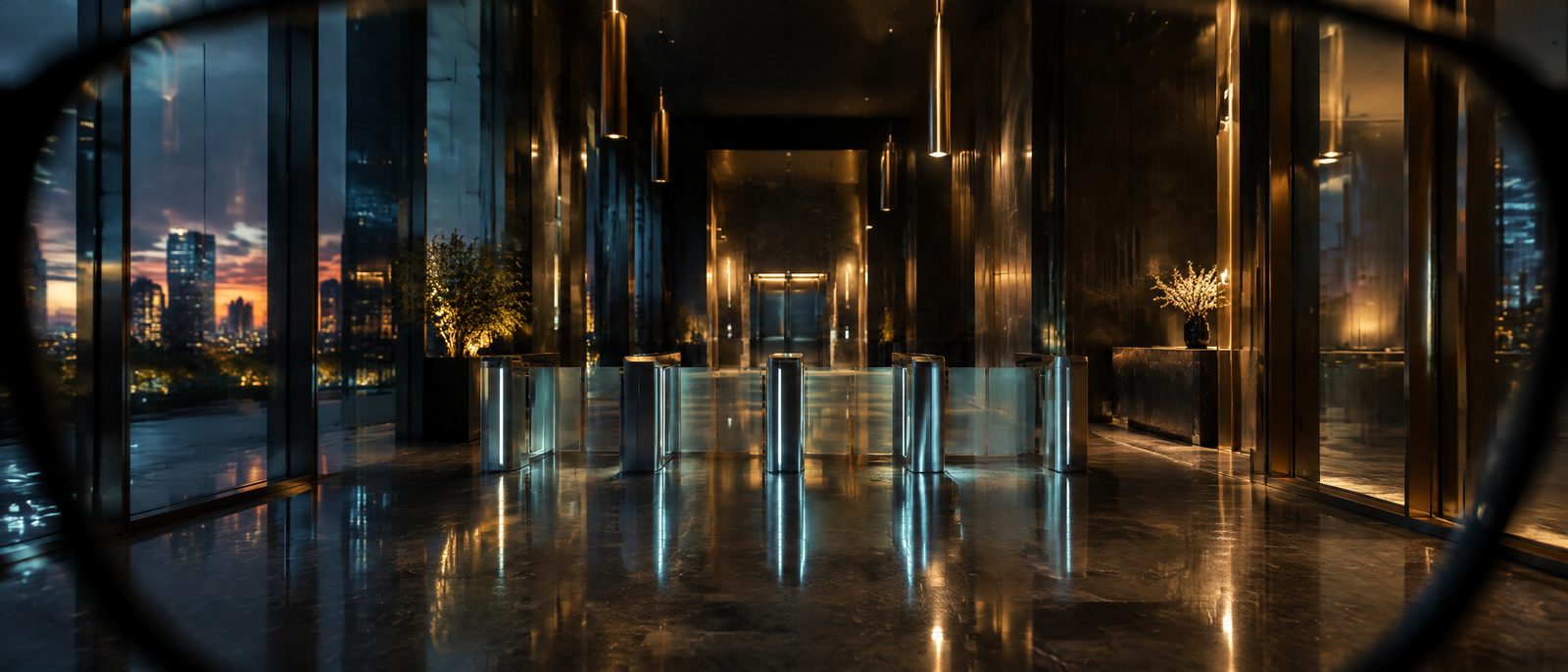
Invitation only / AR access with identity sealed
Walk in verified. Leave your name out of it.
Explainer 01 · Exposed · 61 s · all six →
Always Encrypted lets you verify your identity once and then open doors on a sealed credential. Participating buildings learn that you are cleared for a zone and nothing else: no name, face or ID number. It works through AR glasses, a watch or a ring, and it adds encrypted navigation and private meetings.
Glasses plugin: public deployment date pending.
Digital Access Panel and Physical Access Terminals: available now.
Explainer 02 · 61 seconds · captions on
Walk in verified. Verify once with one human auditor, then carry a sealed credential. Every door checks proof, never your name. All six explainers →
Start here
Sixty seconds on how verified access replaces your ID.
Six short films: your exposure today, how verified access replaces your ID, how a location or a vehicle earns on the network, what to do between the car and the door, the live theater map, and meetings that leave no visitor log.
How it works
Verify once. After that, buildings check proof, not paperwork.
Most buildings learn who you are by collecting it: a name at the desk, an ID scan, a badge photo, a visitor log that outlives the visit. We split those jobs apart. Your identity is verified one time, by us — one human auditor, zero artificial intelligence, with a single encrypted off-site backup every 24 hours as the total exposure. Every building after that only gets the answer it needs. See how verification works, or list your own location and get paid for access.
01
Verify once
You complete identity verification with Always Encrypted a single time — knowledge-based questions answered by you, validated by one human auditor. Your record never touches AI, third-party APIs or LLMs, never leaves our servers, and you hold the private keys to it.
Leaves your hands: ID check, to us only
02
Carry a credential
Your glasses hold a signed credential that says you passed verification and which clearances you hold. No name, no photo, no ID number.
On your glasses: proof, not profile
03
The building asks one question
An encrypted access point asks your glasses: is this person cleared for this door, right now? The credential proves the answer without handing over the facts behind it.
Building receives: yes or no
04
Doors open on your route
Doors, elevators and turnstiles release as you reach them. Your glasses show the route and the next directive, so there's no desk to stop at.
You see: the next directive
At every access point
The building trusts the proof. It doesn't need your file.
Verification still happens. It just happens once, with us, instead of at every front desk you walk past.
The building receives
- Identity verified yes
- Cleared for this zone yes / no
- Clearance window now
The building never receives
- Your name
- Your face or photo
- Date of birth
- ID or passport number
- Home address, phone, email
Explainer 01 · 61 seconds · captions on
Exposed. Your exposure in the open world today: ID scans, visitor logs, facial recognition, phone location, the trail your car leaves. All six explainers →
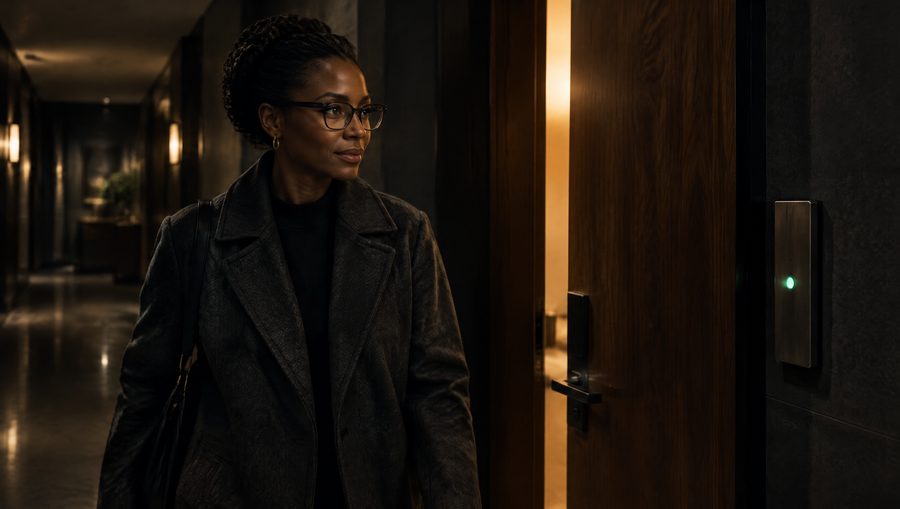
Inside a participating building
The route comes to you.
Your glasses draw the path to where you're going and show one directive at a time: the next door, the lift, the floor. Each access point along the way checks your credential as you approach and releases before you reach for the handle.
- Works in residential and commercial buildings that run Always Encrypted access points.
- The building decides which zones and hours each clearance covers.
- Nothing to carry beyond the glasses you already wear.
Live isometric render · cab to door to floor 3
Move through the network. Every ring is an access point that answers your packet, never your name. Renders in your browser; nothing is sent anywhere.

In the car
Four routes. You choose the exposure.
Every trip comes back as four routes ranked by what can see you on the way: the lowest threat, a medium route that saves time, the high route through the city, and the highest, where we recommend an escort. Cameras, toll plazas, stations and live civilian and state aircraft show along each one before you leave.
- Route provided by alwaysencrypted.com, on the screen you already have.
- Flight patterns update live, so you can change the route while you drive.
- A printable operating procedure for the route you choose.

The Onion Protocol
Five layers. Each one harder to reach.
A credential opens only the layers it's cleared for. The building enforces every boundary without needing a name to do it.
01 / Civil
Public areas
Plaza, lobby and reception. Open to anyone, with the route starting here.
02 / Defense
Restricted zones
Private floors and residences, opened only for credentials cleared for them.
03 / Services
Emergency access
Stairwells, service routes and responder paths, kept separate from guest routes.
04 / Aerial
Air networks
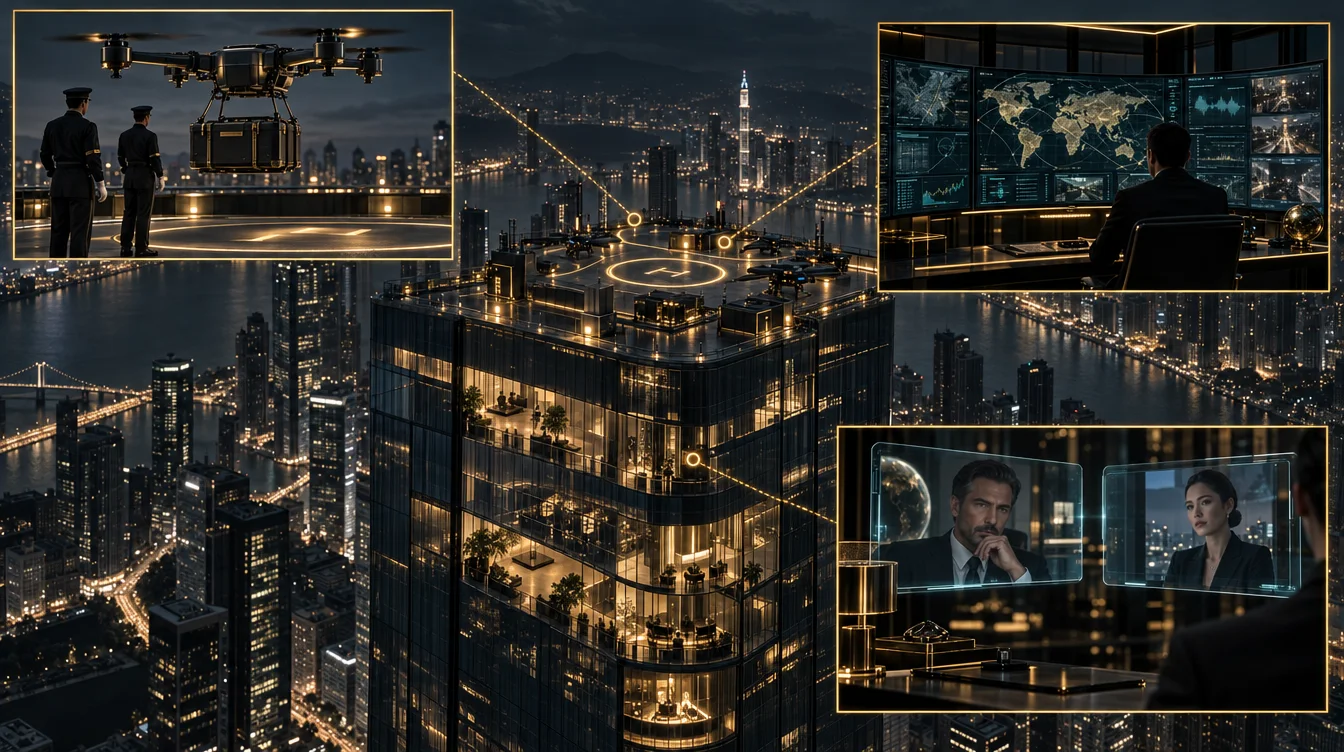
The roof, the mast and the building's private network — plus drone access, private VTOL and quadcopter arrivals as they become available.
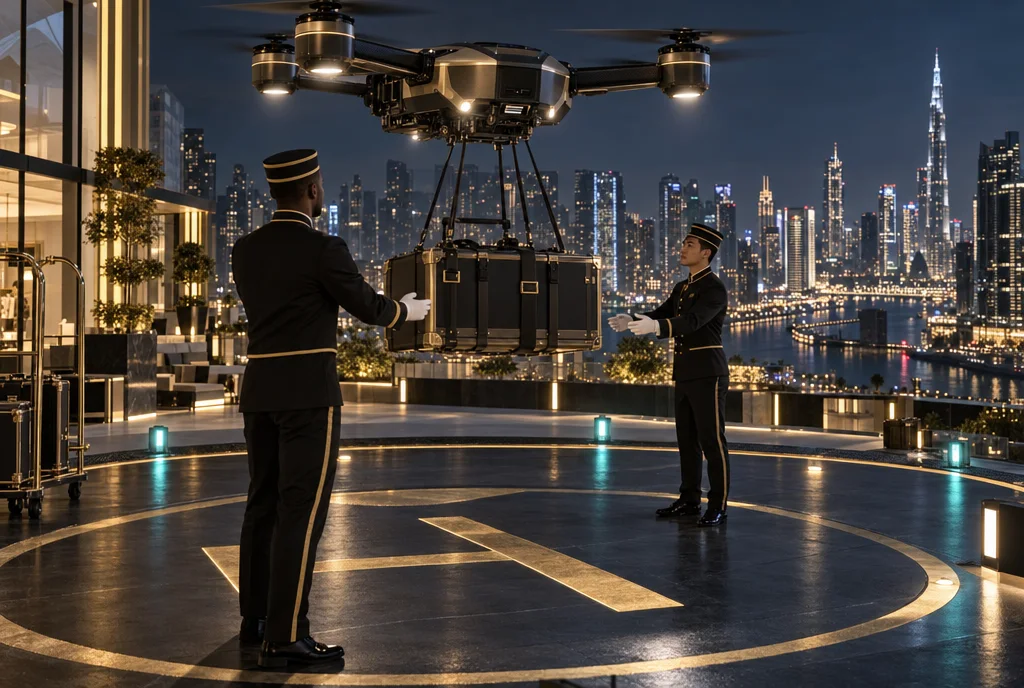
The aerial layer extends beyond the roof: drone access, private VTOL aircraft and quadcopter deliveries connect participating buildings, added as they become available in each jurisdiction. Attendants clear your wearables on arrival — and nothing follows you home: no biometric scan, card number or photo is left at the location or with any third party. Your human, digital, physical and financial identity stays yours.
05 / Core
Maximum security
The innermost rooms, behind every other layer.
Private meetings
A meeting with no visitor log.
Book a room in a participating building and your guests arrive the way you do. Each one is checked for clearance to that floor and that room, and for nothing else. The building gets confirmation that everyone in the room was cleared. It doesn't get a list of who they were.
Meet without meeting — on location or digitally, your privacy is guaranteed: our encrypted communications run on our own infrastructure with transport encryption always on, end-to-end encryption on by default in Chrome-family browsers, perfect forward secrecy and multi-jurisdiction hosting, and media that is never stored on our servers. Join anonymously from any device, keep your camera off, even change your voice. No third-party platform sits in the middle.
Free to join. No account, no download, no name.

Explainer 06 · 61 seconds · captions on
Meet without meeting. Private rooms with no visitor log, and anonymous video chat with nothing to install. All six explainers →
Where things stand
Available now, and what's next.
- Digital Access PanelOnline and offline interface for buildings and operatorsAvailable now
- Physical Access TerminalsThe readers at doors, gates and elevatorsAvailable now
- Zeus AR glasses pluginSoftware for the AR glasses you already ownDate pending
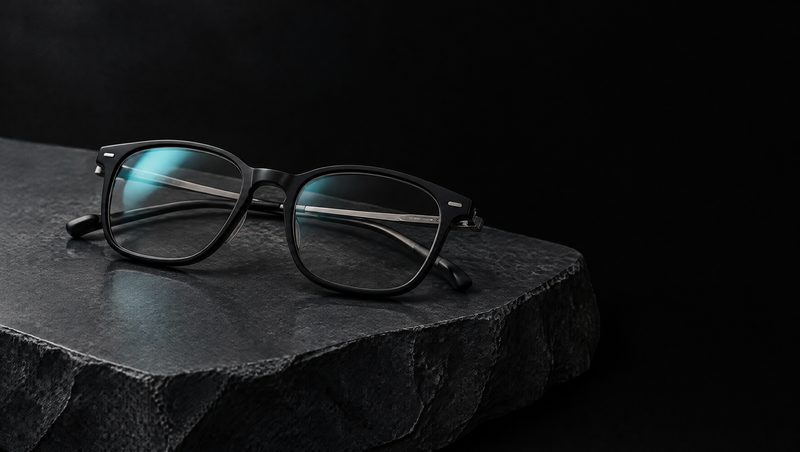
Technology demonstration, 44 seconds.
Two ways to wear it
Your own glasses, or ours.
01 / Plugin
The AR glasses you already own
Install the Always Encrypted plugin and use the eyewear you have today. Public deployment date pending.
02 / Our glasses
Purpose-built security glasses
Made by NINE40, they look like ordinary eyewear, with no visible cameras or displays. $225 a pair, or 12 pairs for $1,995 for security teams and enterprise staff.
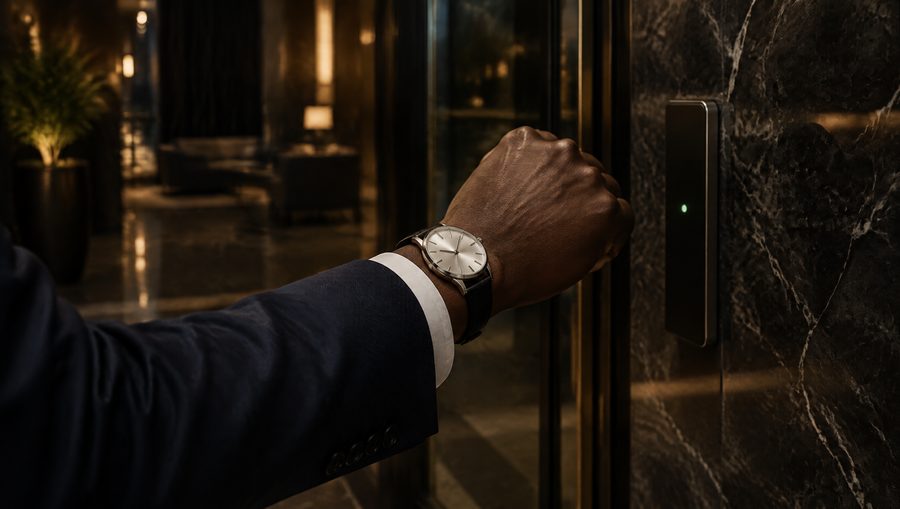
Watches and rings
Your watch is the key.
The same sealed credential can live on your wrist. Wear the smartwatch you already own with our plugin for Apple Watch, Wear OS or Garmin, or choose one of three dress watches that look like any fine analog watch, with the credential concealed inside the case. Prefer something smaller? A ring does the same job.
- Watch plugins: in development. None is in an app store yet.
- Our watch: the Courier camera smartwatch. Rings: Cipher, Sentinel and Bastion.
- Programmed from the Always Encrypted app on your phone.
Glasses, watch, ring
Use one, or use them together.
Each piece carries the same sealed credential, so any one of them gets you through the access points you're cleared for. Wear two or three and they share the work: the ring steers the glasses, the watch confirms on your wrist.
Glasses
Show you the route
Carry the credential and show one directive at a time. Works on its own.
Watch
A key on your wrist
Carries the credential on its own, or confirms a directive the glasses show you.
Ring
The quietest key
Carries the credential on its own, or controls the glasses with a tap of your thumb.
Explainer 04 · 69 seconds · captions on
Entering and exiting. Countermeasures between the car and the door: NINE40 glasses, the hat, no verbal comms, watch and ring packets. All six explainers →
Packages
Choose a clearance level.
Pay in full or in four payments. Every package includes a 90-day implementation and 24/7 support.
The package price is the assessment. We evaluate your position, issue capabilities, and stand up your operator. Running costs are separate: encrypted infrastructure starts at $500 a month, billed monthly — servers, platforms and live monitoring your technical operator or executive assistant can access on the go, so the primary asset moves through the world with active intelligence at all times.
What you are buying is personal protection through signal intelligence — on the ground, in the air, or moving through traffic. Local, national or international: 24/7 live monitoring over encrypted connections, with communications and visual intelligence displayed immediately on approach, ingress and egress. Deployment within the hour.
Confidential clearance
Covert Operations
$2,484
or 4 payments of $621
Assessment & capability issue — running costs from $500/mo
- End-to-end encrypted communications
- AI-powered OSINT collection
- Automated lead qualification
- Single-jurisdiction deployment
- Basic threat intelligence feeds
- Standard compliance reporting
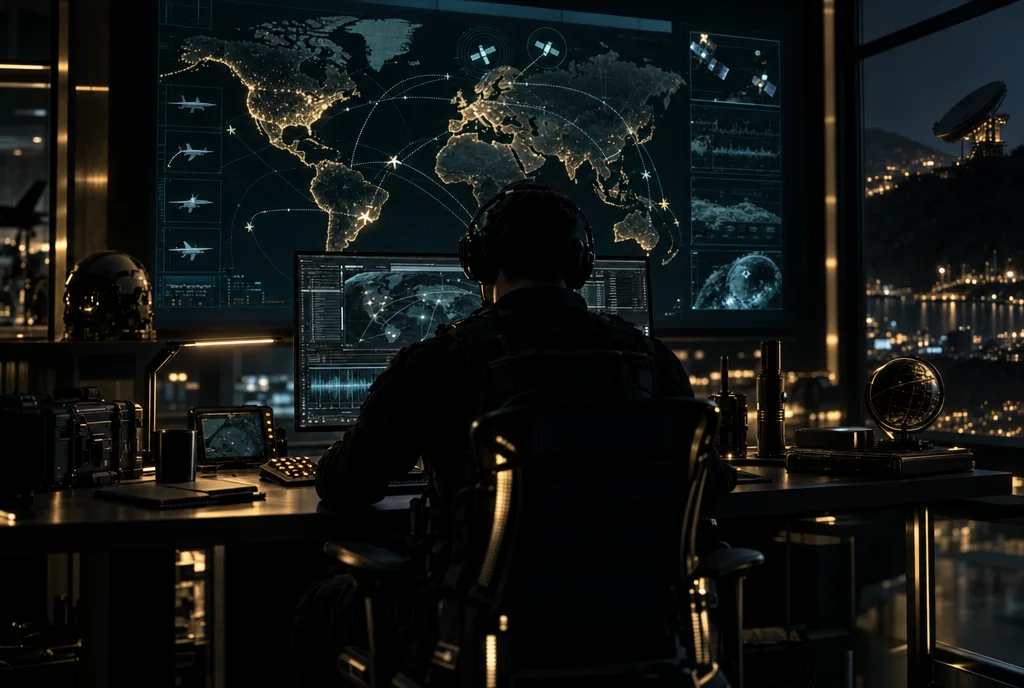
- Live Intelligence console — basic version: global situation awareness with live air, satellite, seismic and natural-event signals. Includes a tight local SIGINT package — live local signals around your own sites to protect assets in theater, with geofence proximity alerts.
Live Intelligence field kit — included
- Field Radar (Android). Passive Wi-Fi and Bluetooth observation through a live tactical HUD. No root, no accounts, no cloud — full operation in airplane mode. The phone is the sensor.
- Baseline mapping & anomaly tripwires. Learns what is normal around your position, then flags what changes: new transmitters, persistent followers, signal-density spikes, spoofed hotspots.
- Watch & mute rules. Promote what matters, suppress the noise. Fleet and cellular-router hardware is classified automatically; your own rules stay local on the device.
- Perimeter Node. A persistent sensor for your vehicle, property or trailhead. Survives reboots and power loss, reconnects itself, and keeps working with no internet at all.
- Infrastructure recon. Passive profiling of any domain — DNS, certificates, headers, hosting lineage — consolidated into an operator-ready brief. Public metadata only.
- Team deployment. Five synchronized devices for coordinated coverage of a site, a route or a movement.
- Field doctrine. Signal-sweep manuals: hotel and rental privacy sweeps, tracker detection, threat signatures, escalation triggers.
All collection is passive. Nothing is intercepted, decrypted or transmitted.
Request Covert OperationsWant a live demo? Create an anonymous account and request access through the additional communication options inside.
Secret clearance
Shadow Network
$7,436
or 4 payments of $1,859
Assessment & capability issue — running costs from $500/mo
- Multi-jurisdiction encrypted infrastructure
- Advanced AI agent deployment
- Automated outreach campaigns
- Real-time threat intelligence
- Behavioral analysis
- Advanced compliance automation
- 24/7 SOC monitoring
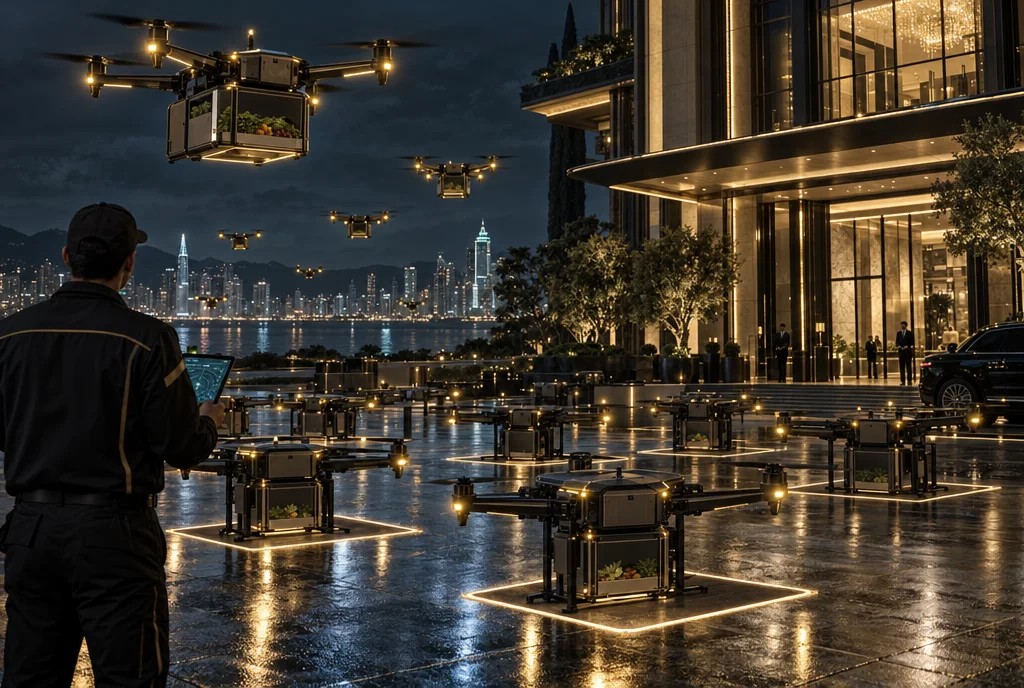
- Agricultural drone management — fleet oversight from survey drones up to heavy-lift platforms
- Aerial luggage logistics — drones carrying up to 100 lbs deliver baggage to hotels and buildings with aerial reception ports, where bellmen and flight attendants complete the transfer
Operational capabilities
- Movement overwatch. Encrypted eyes on your position while you move — ground vehicles, traffic corridors, arrival and departure windows.
- Aerial logistics command. Agricultural drone management up to 100-lb transport platforms — baggage and materiel moved between buildings, hotels and aerial reception ports, with bellman and flight-attendant handoff on arrival.
- Forward sensor placement. Signal-awareness nodes staged at your properties and routes report over encrypted channels to a single console.
- 24/7 watch floor. SOC monitoring with real-time threat intelligence and behavioral analysis — anomalies routed to your operator, not a ticket queue.
Top secret clearance
Black Operations
$12,612
or 4 payments of $3,153
Assessment & capability issue — running costs from $500/mo
- Global multi-location encrypted network
- Quantum-safe encryption protocols
- Advanced persistent threat (APT) defense
- Custom AI model training
- Dedicated intelligence analysts
- Hardware security module integration
- Executive threat assessment
- Priority incident response
- Full aerial logistics command — agricultural drone management plus 100-lb-class transport drones moving luggage between your buildings, hotels and aerial ports, with staff handoff on arrival
Operational capabilities
- Every theater. Local, national, international — one encrypted network across all of it, with quantum-safe protocols at the core.
- Forward-deployed intelligence. Live monitoring on approach, ingress and egress. Visual intelligence displayed immediately, wherever you are.
- Dedicated analysts. Named intelligence analysts and executive threat assessment, with priority incident response when something moves against you.
- Hardened everything. APT defense, hardware security modules, custom AI model training — built for principals who are actually targeted.
- Deploys within the hour. A technical operator securing your position at all times — that is the product.
Running costs, plainly: encrypted infrastructure from $500/month — the servers, platforms, monitoring and automations that keep payments, purchasing, transport and field communications moving while you do. Local, disposable-level engagements; national and international operations priced per theater. Cancel monthly.
Larger organization or several buildings? Ask about a custom enterprise deployment.
Explainer 05 · 61 seconds · captions on
Live network. The theater map by clearance level, the layers and legend, and start-to-end navigation on our own router. All six explainers →
At a glance
| Carrier | What it is | Status |
|---|---|---|
| Glasses | NINE40 security glasses, or a plugin for AR glasses you own | Glasses $225 a pair or $1,995 for 12; plugin date pending |
| Watch | A plugin, or the Courier camera smartwatch | Plugins in development; recorder band $85, Courier price coming soon |
| Ring | Cipher, Sentinel or Bastion | Cipher $25, Sentinel $55, Bastion price coming soon |
| Layer | Name | What it covers |
|---|---|---|
| 01 | Civil | Public areas: plaza, lobby and reception |
| 02 | Defense | Restricted zones: private floors and residences |
| 03 | Services | Emergency access: stairwells, service routes and responder paths |
| 04 | Aerial | Air networks: the roof, the mast and the building's private network |
| 05 | Core | Maximum security: the innermost rooms |
Questions people ask
How do I get into a building without showing my ID?
You verify your identity with Always Encrypted one time. After that, your device carries a sealed credential, and the building asks it one question: is this person cleared for this door now? The answer is yes or no.
What does the building learn about me?
It learns that you are verified, that you are cleared for the zone, and for what window. It never receives your name, face, date of birth, ID number or contact details.
Do I need new glasses?
No. A plugin for the AR glasses you already own is planned, with the public date still pending. NINE40 security glasses are available through a clearance request at $225 a pair or $1,995 for 12.
Can I hold a meeting without a visitor log?
Yes. You book a room in a participating building and each guest is checked for clearance to that room only. The building gets confirmation that everyone was cleared, not a list of who they were.
Is Always Encrypted open to the public?
It is invitation only and serves business clients. You start with a clearance request, which opens a briefing.
Where to go next
- NextRead the six explainer films. Sixty seconds each on exposure, verification, locations, countermeasures, the map and meetings.
- NextRead the Learn guides. Short written guides that match the films.
- NextRead the live theater map. Exposure levels, safety zones and four routes per trip.
Request clearance
Start with a briefing.
Access is limited to qualified individuals and organizations. Tell us who you are and what you need. Requests are reviewed within 48 to 72 hours.
- You send this request. It travels encrypted.
- We review it and, if approved, schedule a private briefing.
- You complete the one-time identity verification.